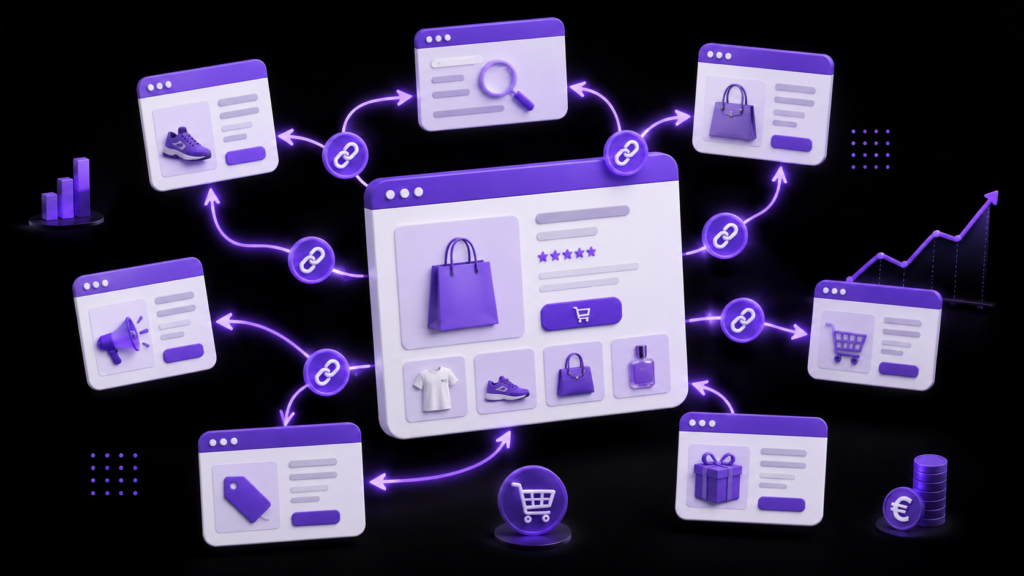
Key points:
- Internal linking in e-commerce distributes PageRank from your homepage to your product and category pages—it’s your fastest SEO strategy to implement.
- A silo structure (homepage → categories → subcategories → product pages) makes your catalog easier for Google to understand and for generative AI systems such as ChatGPT or Gemini.
- The most common mistakes—uncontrolled faceted navigation, orphaned pages, and generic anchors—can cut your organic traffic in half.
- A comprehensive audit checklist is available at the bottom of this article: you can get started today.
What is internal linking in e-commerce?
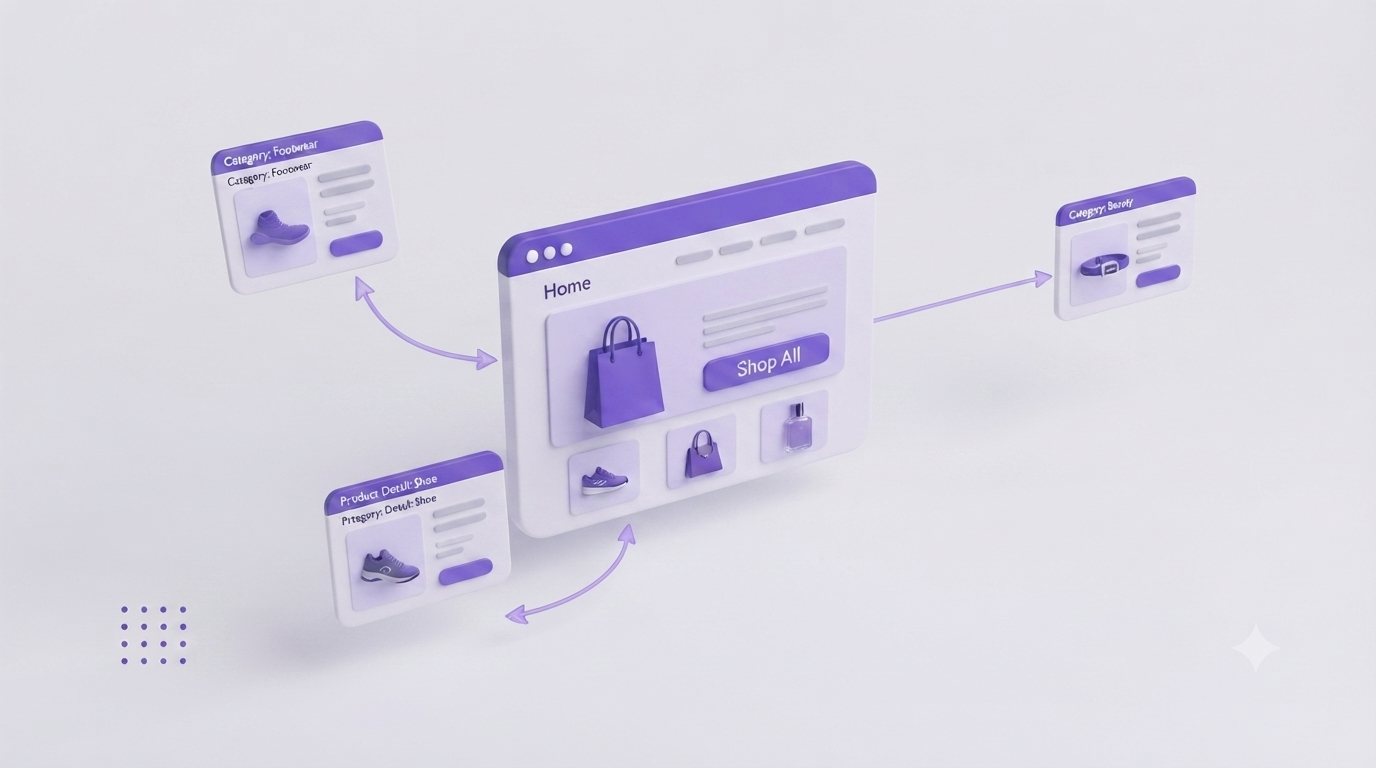
Internal SEO linking refers to all the internal links that connect the pages of your online store to one another. Not backlinks, not links to other sites—only the links that help users navigate. inside of your domain.
For an e-commerce site, this covers:
- Links from the main menu to your categories
- Breadcrumb trails on product pages
- The «Similar Products» or «You Might Also Like» sections»
- Contextual links in your blog posts to your category pages
- Links in the footer to your priority pages
A good internal linking structure is like a road map. Google follows these paths to crawl your catalog. Generative AI uses them to understand who you are and what you sell. And your visitors use them to make purchases.
Why Internal Linking Is Critical for Your Online Store
Internal linking is the hidden engine of your online store: it transforms your homepage’s authority into sales power for your products, while guiding Google and AI systems to your strategic pages. By structuring your links, you’re not just improving your SEO—you’re creating a seamless journey that turns your visitors into buyers.
It's the most cost-effective investment for transitioning from a catalog of standalone pages to a high-performing e-commerce ecosystem.
Distribute PageRank to Your Product Pages
Internal PageRank—the authority that flows between your pages via links—is a finite resource. Your homepage holds the majority of it. Each internal link redistributes a portion of it to the target page.
In practical terms: if your homepage links to 5 categories, each one receives 1/5 of the available authority. If those categories then link to your product pages, the authority trickles down to the pages that generate your sales.
Without a structured framework, your product listings are isolated from one another. They exist in your catalog, but Google assigns them almost no authority. As a result, they do not appear in search results.
Help Google (and AI systems) understand your catalog
Google needs links to discover your pages and understand their thematic relationships. A product page linked from its category, a blog post, and a «buying guide» page sends a clear signal: this page is central to this topic.
Generative AI systems—ChatGPT, Gemini, Perplexity—all work on the same principle. They analyze the semantic structure of your website to determine whether you are an authority on a given topic. We’ll cover this in more detail in the section on GEO AI.
Improve the user experience and conversion rate
Visitors who can easily find products that complement their own tend to buy more. The «similar products» blocks on Shopify, the «you might also like» sections on WooCommerce, and the «related products» sections on PrestaShop: these are internal links that boost both SEO and revenue.
A well-designed site structure reduces the bounce rate and increases the number of page views per session. These two behavioral cues indirectly influence your positioning.
The Ideal Structure of an E-commerce Site for Internal Linking
Internal linking isn’t just about connecting the pages of your online store. It plays a crucial role in distributing SEO authority, helping Google and generative AI understand your product catalog, and improving the shopping experience. Here are the three main reasons why it’s an essential tool for an e-commerce site.
The silo model: homepage → categories → subcategories → products
The most effective e-commerce site structure for SEO is the thematic silo. Each major category constitutes an independent semantic universe, reinforced by internal links that remain within that scope.
A concrete example for a sports store:
Home
├── Running
│ ├── Men's Running Shoes
│ │ ├── Product Details: Nike Air Zoom Pegasus 41
│ │ └── Product Details: Adidas Ultraboost 24
│ └── Women's Running Shoes
├── Cycling
│ ├── Road Bikes
│ └── Mountain Bikes
└── Swimming
Each level links only to the level below it (and back up via the breadcrumb trail). Cross-links between silos remain rare and are used only when necessary.
Golden rule: All your key pages should be accessible in no more than three clicks from the home page.
On Shopify, organize your collections and subcollections using consistent URL handles (/collections/men's-running). In PrestaShop, enable long category descriptions and manage facet URLs. In WooCommerce, configure Yoast SEO to audit crawl depth.
Cross-links: Similar and Complementary Products
Cross-links connect pages from different silos when it is relevant to the user. On a «trail running shoes» product page, a link to «trail running socks» or «hydration packs» is natural and useful.
Limit yourself to 4–6 internal links per product page. Beyond that, you're diluting PageRank without adding any additional value.
The Role of Content Pages (Blogs, Buying Guides)
A well-structured blog post can include dozens of internal links to your category and product pages. This is the principle behind the semantic cocoon: an editorial «hub» page that distributes its authority to the commercial pages.
Example: A guide titled «How to Choose Running Shoes in 2025» can link to 8 to 10 product pages and 3 category pages. It captures informational traffic and redirects it to your sales pages.
The 5 Types of Internal Links to Optimize on Your Online Store
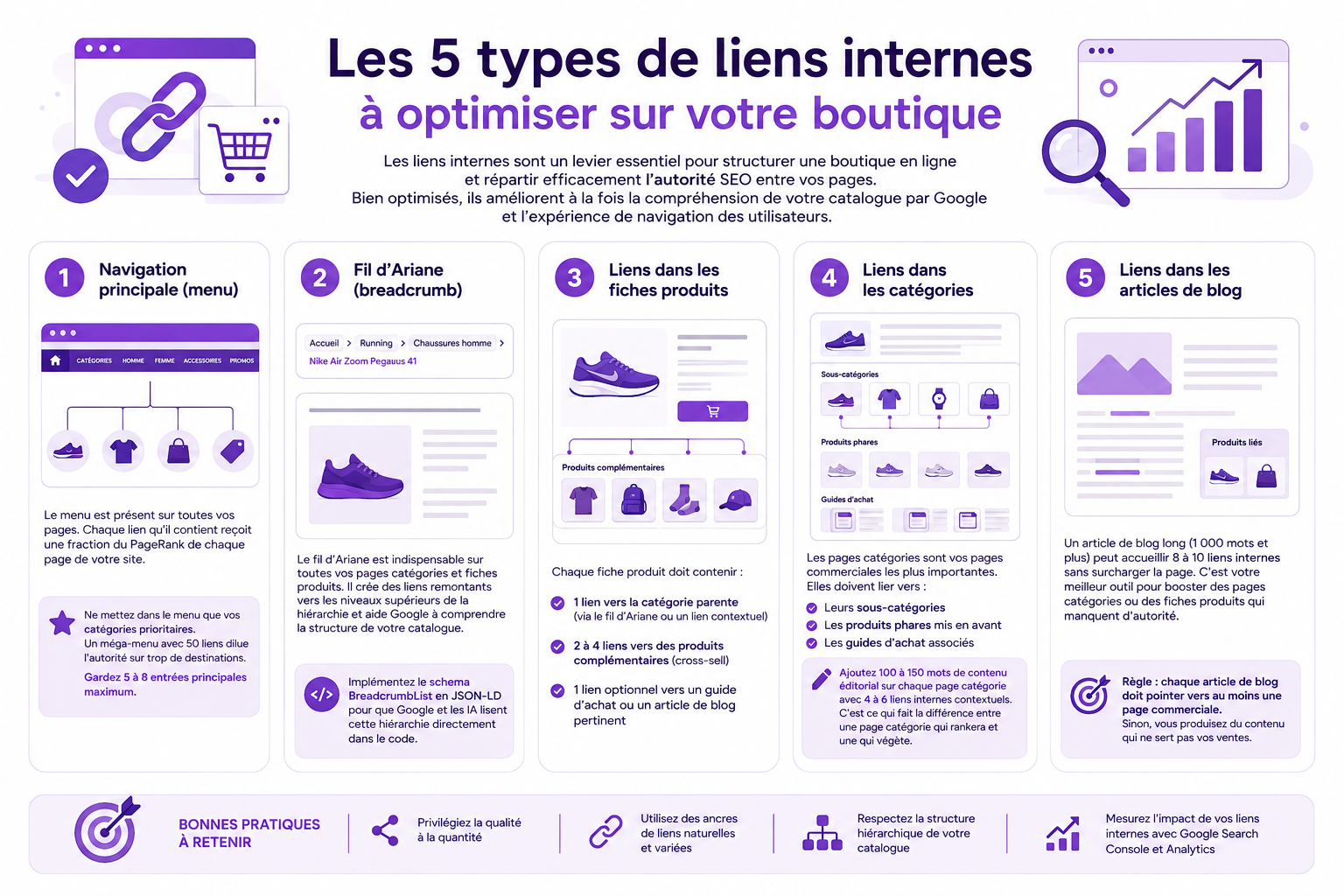
1. Main Navigation (Menu)
The menu appears on all your pages. Each link it contains receives a fraction of the PageRank from every page of your website. It’s the most powerful tool—and the one most often misused.
Include only your top-priority categories in the menu. A mega menu with 50 links dilutes authority across too many destinations. Keep the number of main entries to 5 through 8 at most.
2. Breadcrumb trail
Breadcrumb navigation is essential on all your category pages and product detail pages. It creates links back to higher levels in the hierarchy and helps Google understand the structure of your catalog.
Home > Running > Men's Shoes > Nike Air Zoom Pegasus 41
Implement the schema BreadcrumbList in JSON-LD so that Google and AI systems can read this hierarchy directly from the code.
3. Links in product listings
Each product sheet must include:
- 1 link to the parent category (via the breadcrumb trail or a contextual link)
- 2 to 4 links to related products (cross-sell)
- 1 optional link to a buying guide or a relevant blog post
4. Links in the categories
Category pages are your most important sales pages. They should link to:
- Their subcategories
- Featured Products
- Related Buying Guides
Add 100 to 150 words of editorial content to each category page, along with 4 to 6 contextual internal links. That’s what makes the difference between a category page that will rank and one that will languish.
5. Links in blog posts
A long blog post (1,000 words or more) can include 8 to 10 internal links without overloading the page. It’s your best tool for boosting category pages or product pages that lack authority.
Rule: Each blog post must link to at least one sales page. Otherwise, you're creating content that doesn't help your sales.
Optimizing Internal Link Anchor Text in E-commerce
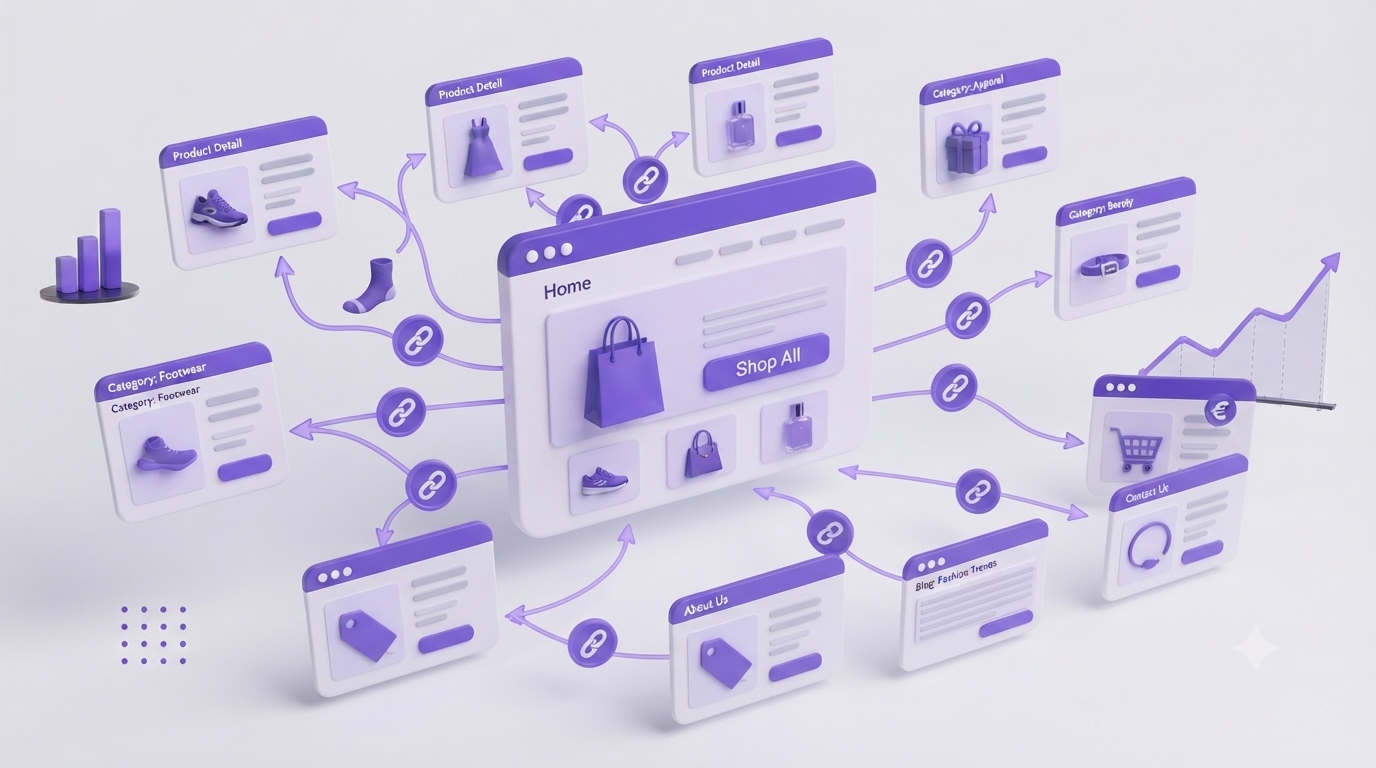
The anchor text (the clickable text) is a strong semantic signal. It tells Google What is the target page about?. In e-commerce, this is particularly critical because your product pages often have very little text content.
| Anchor Type | Example | Recommended Use |
|---|---|---|
| Exact | «men's running shoes» | 20-30% Links to a Target Page |
| Partial | «Our best running shoes» | 30-40% – Natural and Diverse |
| Brand + keyword | «Nike running shoes» | 10-20% – Product Sheets |
| Contextual | «To round out your trail running gear» | 20-30% – Cross-Curricular Links |
| Credits | «Click here,» «Learn more» | 0% – to be banned |
Vary your anchors. Always using the exact same anchor text on a landing page can be interpreted as manipulation. Vary the wording while remaining descriptive.
The Fatal Mistakes of E-Commerce Internal Linking
Even with a clear strategy, certain technical errors can undermine your SEO efforts. Here are the most common pitfalls and how to avoid them.
Uncontrolled faceted navigation
This is the number one mistake made by e-commerce stores. Filters (color, size, price, brand) generate thousands of parameterized URLs: /shoes?color=red&size=42&brand=nike. Without proper control, Google crawls these pages instead of your actual category pages.
The result: your crawl budget is being wasted on pages with no value, and your important pages are poorly indexed.
The solution:
- Apply
noindexon filter combinations without a search query - Use
rel="canonical"to link to the parent category - Only create indexable faceted pages if they respond to a genuine search query (e.g., «red men’s running shoes»)
Orphan pages (pages with no incoming links)
An orphan page is a product page or category page that has no internal links pointing to it. Google may never discover it—or may assign it virtually no authority.
In a catalog of 500 products, it is not uncommon to find 30 to 50 orphan pages. Often, new products are added without being placed in the appropriate categories, or seasonal products are overlooked.
Tools for detecting them: Screaming Frog (the «Inlinks» report filtered to 0) or Google Search Console (uncrawled pages).
Generic anchors («click here,» «learn more»)
A generic anchor text does not convey any semantic information. Google doesn't know what the target page is about. You're wasting a valuable SEO signal.
Always replace: «View our products» → «View our Gore-Tex trail running shoes.».
Over-linking (too many links on a single page)
Too many links on a page dilute the PageRank passed to each one. A page with 200 internal links distributes 1/200th of its authority per link. A page with 10 links distributes 1/10th.
Reasonable target: A maximum of 50 to 100 links per page (menu + content + footer). On product pages, aim for a total of 10 to 15 internal links.
Internal Linking and GEO AI: How Your E-commerce Pages Appear in ChatGPT and Gemini
This is a topic that no one has covered properly yet—and yet it’s where an increasing share of e-commerce visibility is at stake.
ChatGPT, Gemini, and Perplexity don't just index individual pages. They analyze the relationships between pages to understand a website’s subject authority. A well-structured internal linking scheme organized as a semantic cocoon sends a clear signal: «This website is a leading authority on this topic.».
What helps AI systems mention you:
- One main entity per page : Each product or category page focuses on a single central topic, supported by 3 to 6 related pages linked via internal links.
- Descriptive anchors : AI systems use link text as a relevance signal, just like Google. «See our guide to waterproof trail running shoes» is infinitely more valuable than «click here.».
- A hub-and-spoke network : A central buying guide page (the hub) that links to several product pages (the spokes) creates a thematic cluster that LLMs recognize as an authoritative source.
- Answers at the beginning of each section : AI systems extract the first 40 to 60 words from each section. If your «Men’s Running Shoes» category page begins with a clear definition and links to your best product pages, it’s more likely to be featured.
Concrete action: Test your key pages directly in ChatGPT and Gemini using natural language queries («What are the best running shoes for beginners?»). If your store doesn’t appear, it’s often a semantic structure issue—and internal linking is the first thing you should address.
Implement the schema FAQ Page on your category pages and Product on your product pages. This structured data makes your content easier for generative AI to understand.
E-commerce Internal Linking Audit Checklist (To Do Today)
A flawed internal linking structure is the invisible obstacle preventing your store from reaching its full SEO potential. To fix your authority leaks and boost your strategic pages, there’s no need to spend days on complex analyses: this checklist lets you diagnose and fix your link architecture today.
| # | Action | Tool | Priority |
|---|---|---|---|
| 1 | Identify orphaned pages (0 inbound links) | Screaming Frog / GSC | 🔴 Review |
| 2 | Check the crawl depth (> 3 clicks = problem) | Screaming Frog | 🔴 Review |
| 3 | Audit generic anchors («click here,» etc.) | Screaming Frog | 🔴 Review |
| 4 | Check the indexed facet URLs | Google Search Console | 🔴 Review |
| 5 | Verify that each category has editorial content with links | Manual | 🟠 Important |
| 6 | Make sure the breadcrumb trail is present throughout the site | Screaming Frog | 🟠 Important |
| 7 | Count the number of internal links per page (target: < 100) | Screaming Frog | 🟠 Important |
| 8 | Verify that each blog post links to a sales page | Manual | 🟠 Important |
| 9 | Test key pages in ChatGPT and Gemini | Manual | 🟡 Recommended |
| 10 | Implement the BreadcrumbList and FAQPage schemas | Developer | 🟡 Recommended |
To start the audit: Run Screaming Frog on your domain, export the «All Inlinks» report, and filter by «Inlinks = 0.» You'll have your list of orphaned pages in 10 minutes.
Case Study: +380% in organic traffic for an e-commerce store
We worked with a PrestaShop store specializing in hiking gear—1,200 products, a flat-structured catalog, and no editorial content on the category pages.
Initial Situation (January 2024):
- 847 organic sessions per month
- 312 orphaned pages out of 1,200 products
- Faceted navigation generating 4,800 indexed URLs
- Internal links: 78% generic links («View product,» «Learn more»)
Actions taken over a 4-month period:
- Restructuring into silos : 6 main categories, 24 subcategories, max depth of 3 clicks
- Veneer Treatment :
noindexFrom 4,200 filter URLs, creation of 18 strategic faceted pages (e.g., «women’s waterproof hiking boots») - Editorial Content : 150 words + 5 internal links added to each category page
- Orphan links : 312 products listed in their respective categories and featured in 8 blog posts serving as buying guides
- Anchors : Complete overhaul to include descriptive and varied anchors
Results as of May 2024:
- 4,087 organic sessions per month (+382%)
- 156 positions gained on long-tail search queries
- Organic conversion rate: +23% (better navigation = better purchase journey)
The most effective strategy? Combining facet filtering with category content. In 6 weeks, Google recrawled the entire catalog and brought 89 category pages up in the search results.
FAQ
How many internal links should you include on an e-commerce product page?
Between 4 and 6 contextual internal links per product page: 1 to the parent category, 2 to 4 to complementary products, and possibly 1 to a buying guide. The breadcrumb trail is in addition to these links and is not included in this total.
What is the difference between internal linking and a semantic cocoon?
Internal SEO linking refers to all the links between your pages. The semantic cocoon is a strategy Internal linking: Pages are organized into thematic clusters, with a central hub page that distributes its authority to satellite pages. This is one of several methods for structuring internal linking.
Is faceted navigation always bad for SEO?
No. Facets become problematic when they generate thousands of URLs without a search query. However, certain filter combinations correspond to actual search queries («women’s red running shoes, size 38») and should be indexed. The rule: Index only those facets that have a measurable search volume.
How can I tell if my product pages have enough internal links?
Use Screaming Frog: export the «Inlinks» report and sort by number of inbound links. Any page with fewer than 3 inbound links deserves to be strengthened. Pages with 0 links are urgent and need to be addressed immediately.
Does internal linking really help with appearing in ChatGPT and Gemini?
Yes, indirectly. Generative AI analyzes the semantic structure of your site to assess your topic authority. A well-defined cluster structure, with descriptive anchor text and structured data, improves the readability of your content for large language models (LLMs). This is one of the cornerstones of GEO (Generative Engine Optimization).